Sidelark Labs Logo
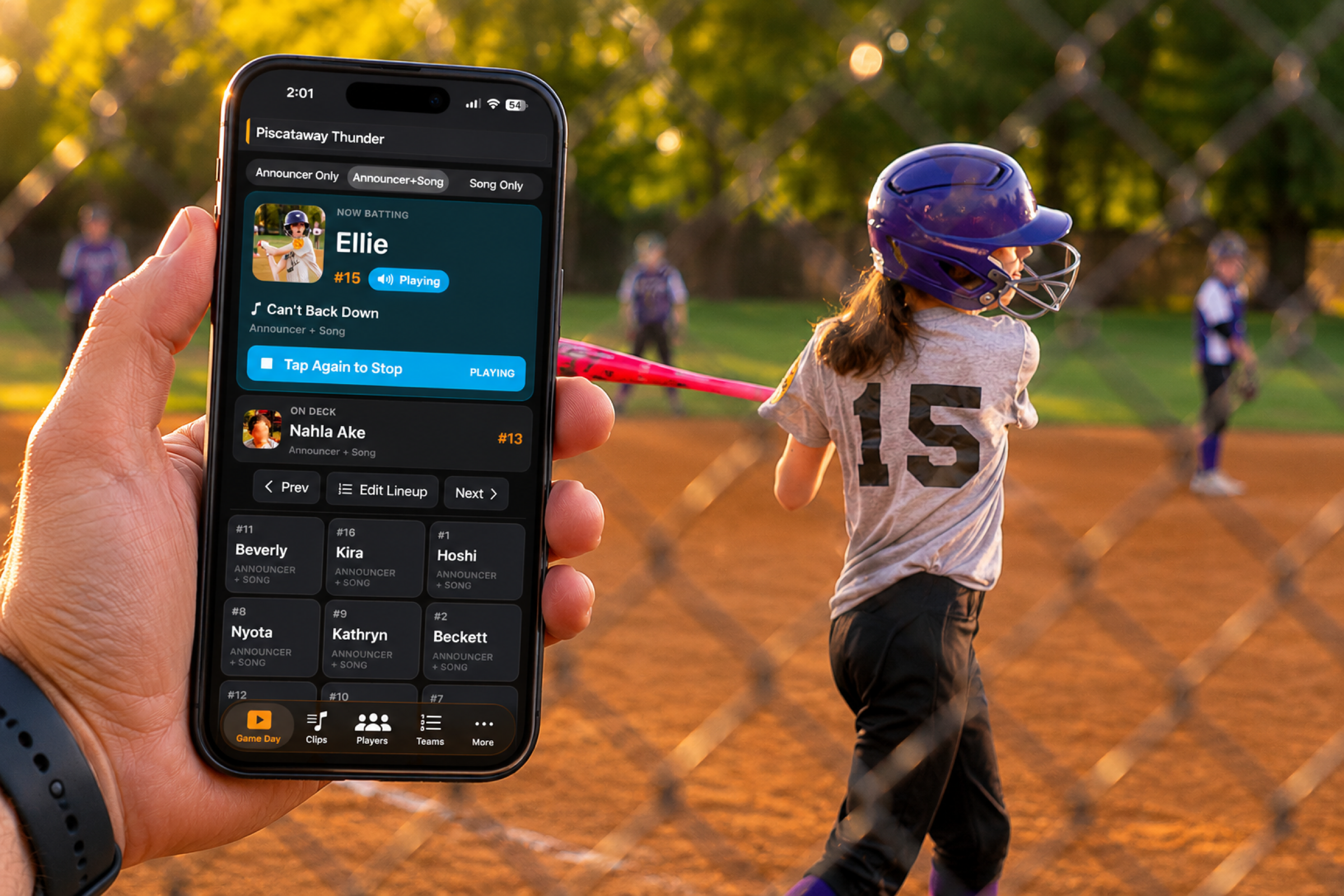
Roll Call app being used at a girl's softball game

Roll Call


Walk-up music without the game-day scramble.


COMPLETELY Free - No Ads. No Paid Features.


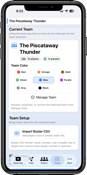
Create your roster, add songs or announcer intros, and give every player their moment from one simple Game Day screen.

Download on the App Store

Made for youth sports, rec teams, school events, and anyone running the music.

1.

Build your roster

Add players, numbers, photos, and team colors.

2.

Add each player’s cue

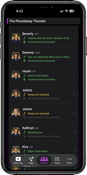
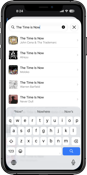
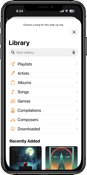
Pick music, import audio, or record an announcer intro.

3.

Run Game Day

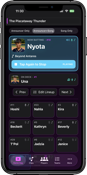
See who’s up, who’s on deck, and tap to play.

Softball player catching a throw

Built for Game Day


The Game Day screen is where Roll Call earns its keep. The current player, on-deck player, audio mode, and lineup controls stay right where you need them - so you’re not digging through notes, playlists, or group texts between batters.


Set Up a Team in Minutes


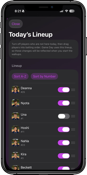
Roll Call is designed to get you to a successful walk-up fast: create a team, add a player, choose audio, check the lineup, and try Game Day. You can add the extra polish later.


No long tutorial.

No required account.

No social network.

No ads.

Roll Call iPhone Scren
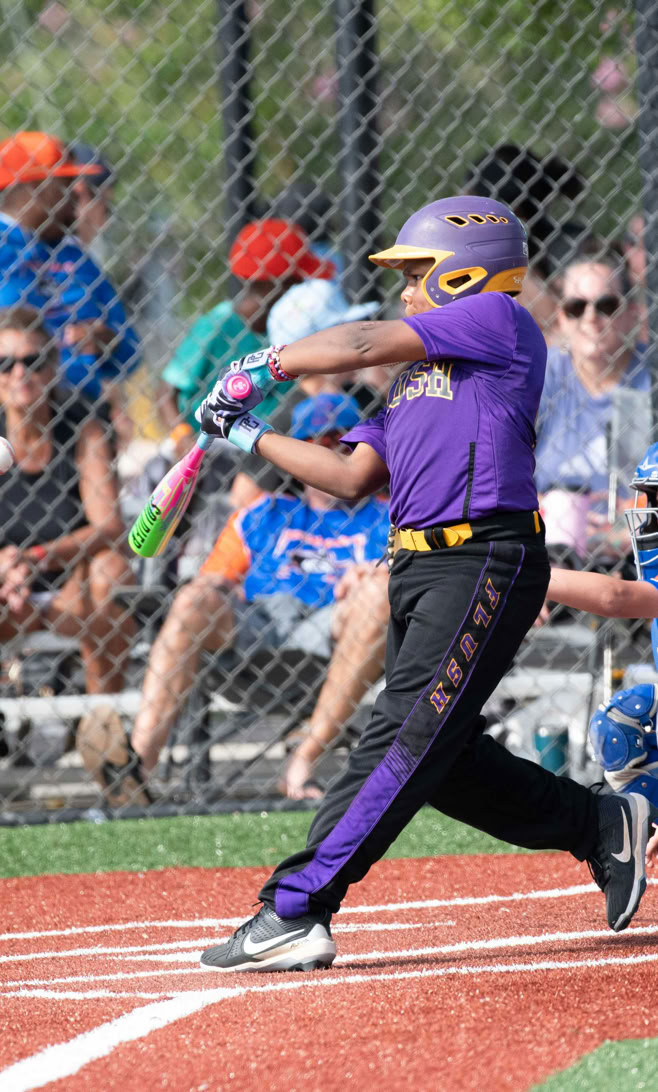
Baseball player at bat

Every Player Gets Their Moment


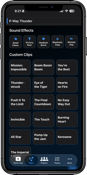
Every player deserves a walk-up moment, even if setup is not perfect yet. Add songs, announcer intros, photos, numbers, team colors, imported audio, or crowd reaction clips — as much or as little as you like.


If a full cue is not ready, Roll Call can fall back to an intro, a song, or a built-in cheer, so Game Day always keeps moving.

Softball, Baseball, and More


Roll Call was built around the rhythm of softball and baseball: roster, lineup, on deck, now batting, and cue the music.


But it is flexible enough for other sports, school events, rec teams, ceremonies, and group introductions — anywhere you want quick, personal audio cues.

Pile of Softball equipment

Private. Simple. Yours.


Roll Call does not require an account, public profile, or team page. Your teams live on your device. When you want to back up or share a team manually, export a .rollcall package and import it on another device.

Bring the walk-up moment to your next game.

Set up your team, assign a few cues, and give every player their moment.

Download on the App Store

Copyright 2026 Sidelark Labs